Is Your Google Business Profile Invisible? The Ultimate Guide to Winning Local Customers
Google Business Profile optimization is the process of keeping your business information accurate and improving the profile with relevant categories, services…
Joseph Tadros··7 min read
In briefQuick Answer
Google Business Profile optimization is the process of keeping your business information accurate and improving the profile with relevant categories, services, photos, links, hours and other available information so customers and Google can better understand your business.
As a local business owner, you've poured everything into your craft. But are new customers finding you?
When someone nearby searches for a service such as “cafe near me” or “plumber in Calgary,” Google Search and Maps can play an important role in how they discover local businesses.
One of the most important tools for establishing that local presence is completely free: your Google Business Profile (GBP).
It can act as a digital storefront, displaying information such as your location, hours, phone number, website, services, photos and reviews directly within Google Search and Maps.
The problem? Many businesses either haven't claimed their profile or haven't fully optimized it. Missing or inaccurate information can make it harder for potential customers to understand your business and take the next step.
In this guide, we'll walk through how to set up and approach Google Business Profile optimization so your business can build a stronger local presence.
Build on a Professional Foundation
Before you touch your business listing, start with the Google Account that will control it. Separating personal and business access can make account management much easier.
A dedicated business-controlled Google account can be particularly helpful when you need to provide access to employees, agencies or other authorized users.
How to Do It Right
Use a Google account that your organization can appropriately manage for business-related Google services. If you already have a professional business email, you may be able to associate it with a Google Account rather than relying on an employee's personal Gmail account.
Don't share the account password with employees or marketing agencies just to give them access. Google Business Profile provides access-management functionality so authorized people can be added without sharing the primary account credentials.
With the appropriate Google account ready, it's time to create or claim your presence on Google Search and Maps. Before creating a new profile, search for your business first.
If a Profile Already Exists
If an eligible profile exists but hasn't been claimed by your organization, follow Google's ownership process rather than creating a duplicate listing.
If You're Creating a New Profile
Add your business using the official Google Business Profile process and provide accurate information. Pay particular attention to:
Business name
Primary business category
Address, where applicable
Service area, where applicable
Phone number
Website
Business hours
Your business name should reflect your real-world business name rather than being filled with additional keywords simply to try to improve rankings.
Verification Is Important
Google may require your business to complete verification before you can fully manage the profile. The available method varies by business and may include video recording, phone or SMS, email, live video call or mail. Follow the verification method Google makes available to your specific profile.
Optimize Your Google Business Profile
A verified profile is only the starting point. Google Business Profile optimization means giving Google and potential customers accurate, useful and up-to-date information about your business.
Google explains that local results are primarily based on relevance, distance and prominence.
Relevance How closely the business matches the search.
Distance How far the business is from the search location.
Prominence How well known and established the business appears.
Complete Your Business Information
Fill out all relevant fields available to your business. Depending on your business type, this may include:
Business categories
Address or service area
Opening hours
Holiday / special hours
Phone number
Website
Business description
Services or products
Accessibility information
Relevant attributes
Keep your profile accurate, specific and representative of the real business.
Choose the Right Business Categories
Choose the most accurate primary category for your core business, then add appropriate secondary categories where they genuinely describe additional aspects of the business. Avoid unrelated categories simply to appear for more searches.
Add High-Quality Photos
Photos help potential customers understand what to expect before they visit or contact your business. Useful photos can include your exterior, interior, team, products, services and facilities. Keep them current and representative of the actual business.
Keep Your Profile Updated
Review your profile when business hours, contact information, location or services change, when holiday hours need updating, or when new photos become available. Where relevant, Google Business Profile updates/posts can communicate timely information, but posting frequently by itself should not be treated as a guaranteed ranking boost.
Gather and Respond to Reviews
Encourage customers to leave genuine reviews based on their actual experiences. When responding, remain professional and avoid revealing private customer information. This is particularly important for medical clinics and other organizations handling sensitive information.
Turn Searchers Into Customers With Useful Links
Visibility is only part of the job. Once someone discovers your business, make it easy for them to take an appropriate next step.
Website
Phone Number
Hours
Location / Service Area
Depending on your business category and available features, additional actions or links may also be available. For businesses using appointment scheduling, an appropriate appointment or booking link can reduce the number of steps between discovery and booking.
Connect Your Google Business Profile With Local SEO
Your Google Business Profile shouldn't exist in isolation. A stronger local search strategy connects your profile with your website.
Google Business Profile optimization is primarily part of local SEO, but businesses should also consider how their overall online presence is understood by AI-powered search experiences.
This is where Generative Engine Optimization (GEO) becomes relevant. GEO focuses on making your business and content easier for AI-powered systems to understand and potentially reference when responding to relevant questions.
A clear business identity across your website and other authoritative sources can support a more understandable digital presence.
Learn more about Generative Engine Optimization →
Common Google Business Profile Mistakes to Avoid
Incorrect business hours
Outdated phone numbers
Duplicate profiles
Incorrect categories
Keyword stuffing in the business name
Old or irrelevant photos
Incorrect website links
Unanswered customer questions
Ignoring legitimate reviews
Ineligible profiles or locations
How Do You Know Whether Your Google Business Profile Is Working?
Don't judge performance only by searching your own business name. Monitor the performance information available through your Google Business Profile and combine it with website analytics and search data where appropriate.
Profile views
Search terms
Website interactions
Calls
Direction requests
Bookings or configured actions
You can also use Google Search Console and GA4 to understand what happens when users move from search to your website. The objective isn't simply more profile views; it's relevant local visibility that contributes to meaningful business actions.
Frequently Asked Questions About Google Business Profile Optimization
What Is Google Business Profile Optimization?
Is Google Business Profile Free?
Yes. Creating and managing a Google Business Profile is free for eligible businesses.
Does Google Business Profile Help Local SEO?
A Google Business Profile is an important component of local search visibility for eligible businesses. Google says local results are mainly based on relevance, distance and prominence. Your profile should be considered alongside your website, reputation and broader local search presence.
How Often Should I Update My Google Business Profile?
Update your profile whenever important business information changes. Periodically review your hours, services, categories, website, phone number, photos and other details to ensure they remain accurate.
Should I Add Keywords to My Google Business Profile Name?
Only if those words are genuinely part of your real-world business name. Adding unnecessary keywords to manipulate visibility can conflict with Google's Business Profile guidelines.
Can Someone Else Manage My Google Business Profile?
Yes. You can provide appropriate profile access to authorized team members or agencies rather than sharing your Google password. If WebNeuro manages your profile, use our Google Business Profile access guide.
The WebNeuro Inc. Solution: Your Digital Marketing Partner
Managing your website, SEO, Google Business Profile, social media and content can consume time that would otherwise go toward running your business.
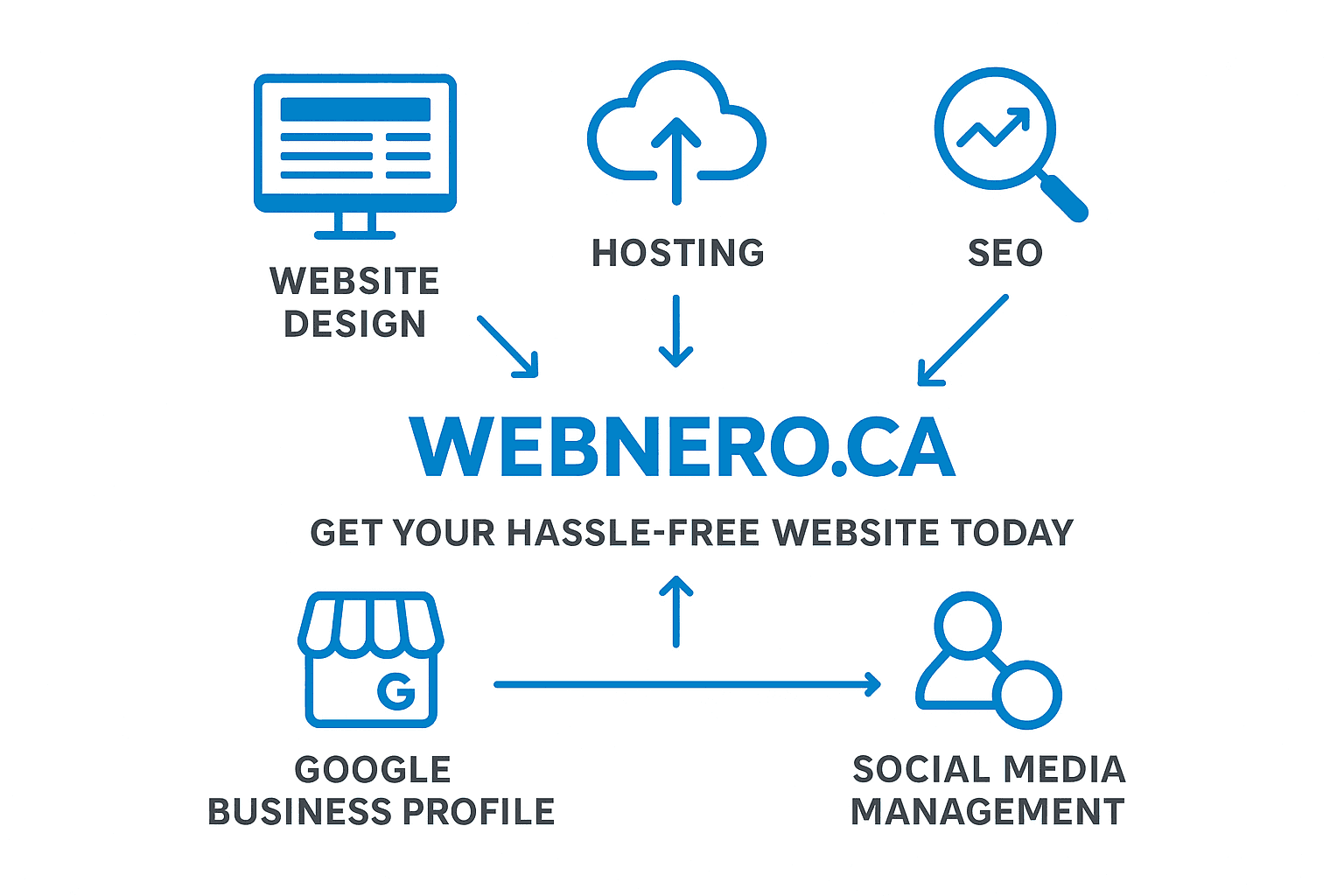
WebNeuro Inc. brings multiple parts of your digital presence together, including website design and development, SEO, GEO, Local SEO, Google Business Profile support, social media management, content and digital marketing strategy.
Rather than treating your Google Business Profile as a standalone listing, we can help connect it with your website, local SEO and broader digital marketing strategy.
Ready to Strengthen Your Local Presence?
If customers are searching for businesses like yours in your area, make sure the information they find is accurate, useful and connected to a professional online presence.
Discuss Your Project Contact WebNeuro Inc.
About the authorJoseph TadrosCo-Founder of WebNeuro
Joseph Tadros is a co-founder of WebNeuro Inc., a Calgary-based website development and digital marketing company that helps clinics, pharmacies and professional firms get found online.
Morefromtheblog
AI & Analytics
AI Website Analytics with Microsoft Clarity and MCP
Sep 8, 2026
7 min read
Joseph Tadros
AI-assisted analytics can retrieve permitted website data, identify patterns, compare visitor segments, and organize findings into actionable reports.
Why Healthcare Social Media Management Matters for Patient Growth
Jul 22, 2026
6 min read
Joseph Tadros
Health care social media management is the planning, creation, publishing, and monitoring of social content for clinics, medical practices, wellness providers…