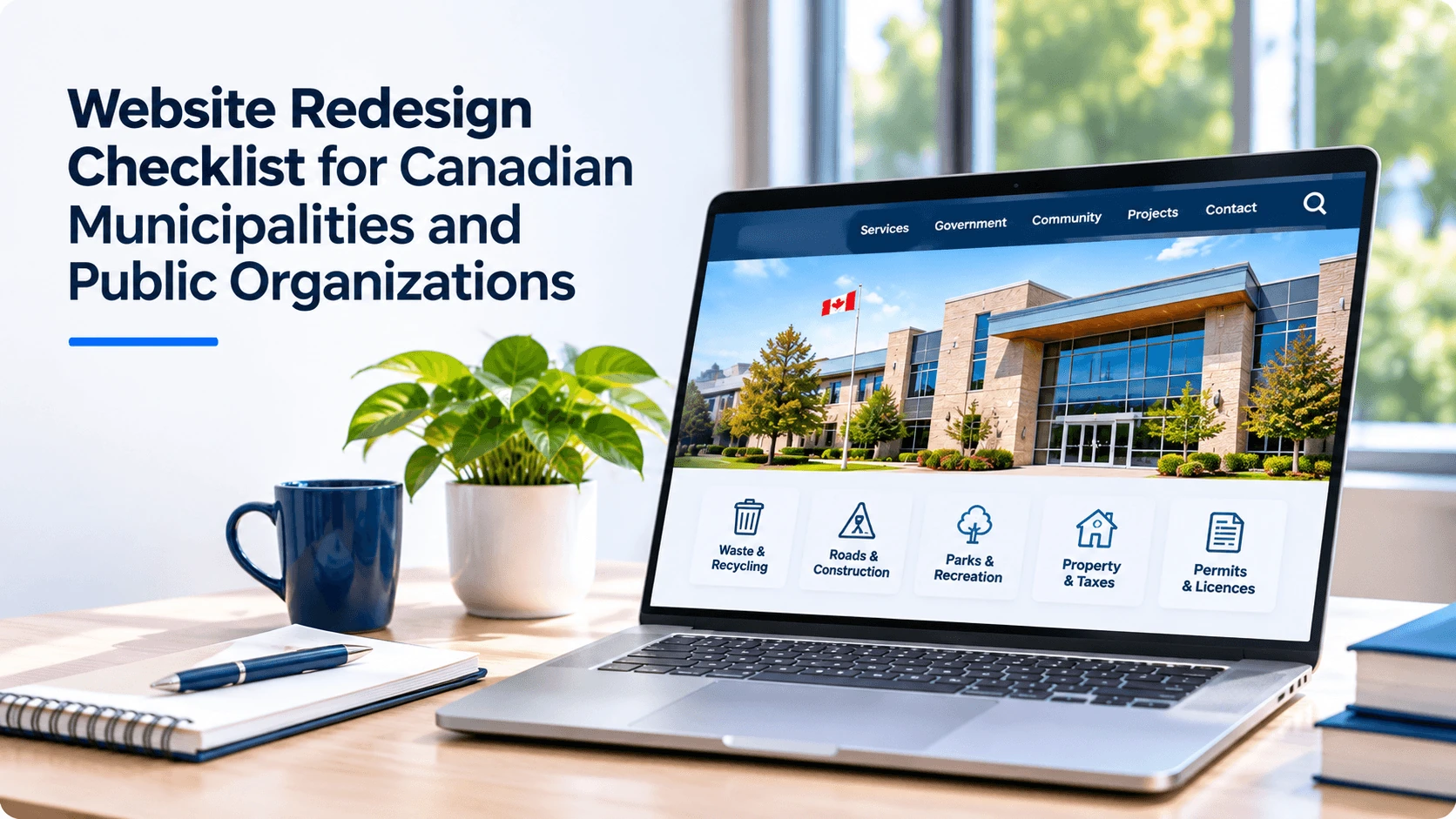
Website Redesign Checklist for Canadian Municipalities and Public Organizations
Use this municipal website redesign checklist to plan accessibility, content, privacy, SEO migration, procurement and launch for your Canadian public organization.
WebNeuro Inc.··8 min read
In brief
A municipal website redesign should start with the services residents use most. Set measurable goals, audit content and accessibility, organize pages around public tasks, review privacy and procurement requirements, map URL changes, and test priority services before and after launch.
A website redesign gives municipalities and public organizations an opportunity to make services easier to find, understand and use. The most effective projects look beyond appearance to address accessibility, content, privacy, search visibility and ongoing maintenance.
Whether your organization manages recreation programs, public health information, library services or municipal permits, use this checklist to plan the work from discovery and procurement through launch and maintenance.
What should a public sector website redesign include?
A public sector website redesign should begin with the needs of its users and a clear understanding of the organization’s responsibilities. It should cover the entire service experience: finding information, completing a task, getting help and returning for updates.
The services and information people need most often.
The barriers users face on the current website.
The accessibility, privacy, language and records requirements that apply.
The staff, budget and processes needed to maintain the website after launch.
1. Define the goals of your website redesign
Start by identifying what the redesigned website needs to help people do. For example, residents may need to find waste collection schedules, register for a recreation program, submit a permit application or locate public health information. Staff may need to publish alerts quickly or keep service pages current.
Set measurable goals such as.
Increase the proportion of test participants who can find a permit application.
Reduce the number of steps needed to find facility hours.
Improve completion of a frequently used online form.
Reduce outdated or duplicate pages.
Record your starting point before the redesign. That gives your team a way to compare results after launch without relying on appearance alone.
2. Identify your audiences and priority tasks
Municipal and public sector websites serve people with different needs, abilities and levels of digital confidence. Your audiences may include residents, newcomers, businesses, community organizations, visitors and staff.
Use these sources to find out what people come to the website to do.
Website search terms and analytics.
Common questions received by phone, email or at service counters.
Feedback from accessibility advisory committees and community groups.
Interviews or usability testing with people who use your services.
Input from departments responsible for services in high demand.
Test whether people can complete real tasks, such as finding a program’s eligibility criteria or reporting a missed collection. Include people with disabilities and people using different devices and assistive technologies where possible.
3. Plan accessibility from the beginning
Accessibility should be part of planning, design, content, development and ongoing maintenance. It is not a single check performed just before launch.
Clear headings, meaningful link text and logical page structure.
Sufficient colour contrast and content that does not rely on colour alone.
Text alternatives for meaningful images.
Captions and appropriate alternatives for multimedia.
Accessible forms, error messages and instructions.
Review of documents, maps and third party tools as well as web pages.
Combine automated checks with manual testing and testing with people who use assistive technologies. Automated tools do not replace a full assessment.
4. Audit your existing content
A content audit inventories and reviews pages, documents and tools on your current website. Decide what to keep, update, combine, archive or remove.
Record the following for each page or document.
Purpose and intended audience.
Department or person responsible.
Accuracy and currency.
Usage and importance to a public task.
Accessible, usable format.
URL retention or redirect needs.
Prioritize service information that changes frequently, such as contact details, eligibility criteria, application steps and opening hours. Assign a content owner and review date to each priority page. Give those owners a shared process for writing content in plain language so residents get consistent instructions across departments.
5. Organize information around public needs
Navigation should reflect users’ language and tasks, not only internal department structure. Group related information under labels such as “Apply for a permit,” “Recreation programs” or “Garbage and recycling.”
Review what information the website collects and why, including contact forms, analytics, payment tools, registration systems, embedded maps and website assistants.
Use the inventory to review the following.
Identify personal information collected through each tool.
Review collection notices, retention practices and applicable agreements.
Assess storage locations and access permissions.
Review vendor responsibilities and third party integrations.
Plan access controls, updates, backups and incident response.
Check whether a privacy impact assessment or other review is required.
Confirm the privacy, security and records requirements that apply to your organization before choosing tools or migrating data.
7. Design for mobile devices and different connection speeds
People should be able to find information and complete tasks on phones, tablets and desktops. Test navigation, forms, tables and documents at different screen sizes. Review page performance on slower connections and avoid making essential information depend on a large download or interactive feature.
Where practical, provide HTML versions of frequently used information instead of requiring PDFs. Assess documents that remain available for accessibility.
8. Protect search visibility during migration
A redesign can change page addresses, content and site structure. Include technical SEO in the migration plan so residents can still reach important pages from bookmarks, links and Search.
Before launch, work through these migration checks.
Identify priority pages using analytics, search data and input from service teams.
Map old URLs to the most relevant new pages.
Set up and test permanent redirects where URLs change.
Check page titles, descriptions, headings and internal links.
Review indexing settings, sitemaps and broken links.
Preserve accurate information about local areas and individual services.
Clear, accurate and clearly organized information may be easier for search and AI systems to interpret, but it does not guarantee inclusion or citation in answers generated by AI.
Make each priority service page easy to interpret.
Give a direct answer near the beginning.
Use descriptive headings and consistent terminology.
State the responsible organization and service area clearly.
Include current dates, eligibility details and contact information where relevant.
Link to authoritative sources for external requirements.
Keep information accurate and review it regularly.
Focus each service page on the questions residents actually ask. For example, a permit page can state who needs a permit, where it applies and how to apply. See WebNeuro’s guide to AI search visibility for more about structuring content around real questions.
10. Plan procurement, ownership and ongoing support
A website needs attention after launch. Document who owns content, technology and ongoing decisions before selecting a vendor or platform.
Include the following in your project scope or request for proposals.
Required services, deliverables and acceptance criteria.
Accessibility testing and remediation responsibilities.
Content migration, redirects and integrations.
Staff training and content management needs.
Hosting, maintenance, support and incident responsibilities.
Ownership of domain, content, accounts and source materials.
Ongoing licence, support and future change costs.
Allow time for departmental review and user testing. Ensure staff can update urgent notices and know who approves changes.
11. Test before launch and monitor afterwards
Test common journeys from start to finish, including finding information, completing forms and requesting help.
Before launch, verify the following.
Accessibility of priority pages, forms and documents.
Accuracy of content, contact details and service links.
Mobile layouts and keyboard navigation.
Redirects, search, analytics and indexing settings.
Payment, registration and third party integrations.
Staff access, publishing workflows and rollback arrangements.
After launch, assign owners to monitor feedback, broken links, accessibility issues and service performance. Set dates for future reviews.
Start your website redesign with a clear plan
Start with one frequently used service and map how a resident gets from a search or the homepage to a completed task. Use the gaps you find to set priorities for the redesign.
How often should a municipality redesign its website?
There is no universal schedule. Review user needs, accessibility requirements, technology risks and staff capacity regularly. Some issues need ongoing improvements. Others justify a broader redesign.
Which accessibility standard should a municipal website follow?
The applicable standard depends on jurisdiction and organization. Confirm current requirements with qualified advisers. WCAG provides a useful framework but is not a substitute for a review of the rules in your jurisdiction.
Can a website redesign affect Google rankings?
Yes. URL, content and navigation changes can affect discovery and indexing. URL mapping, redirects and monitoring help manage the transition but cannot guarantee rankings.
Should all existing content be moved to the new website?
Not necessarily. Review accuracy, usefulness, ownership and retention requirements before updating, combining or removing material.
How much does a public sector website redesign cost?
Costs vary by site size, accessibility work, migration, integrations, procurement requirements and ongoing support. A defined scope helps vendors estimate accurately.
About the authorWebNeuro Inc.Editorial Team
Morefromtheblog
Website Design
Government Website Accessibility in Canada: 2026 Guide
Nov 8, 2026
9 min read
WebNeuro Editorial Team
Understand government website accessibility in Canada, including federal timelines, provincial rules, WCAG versions, testing and procurement steps.